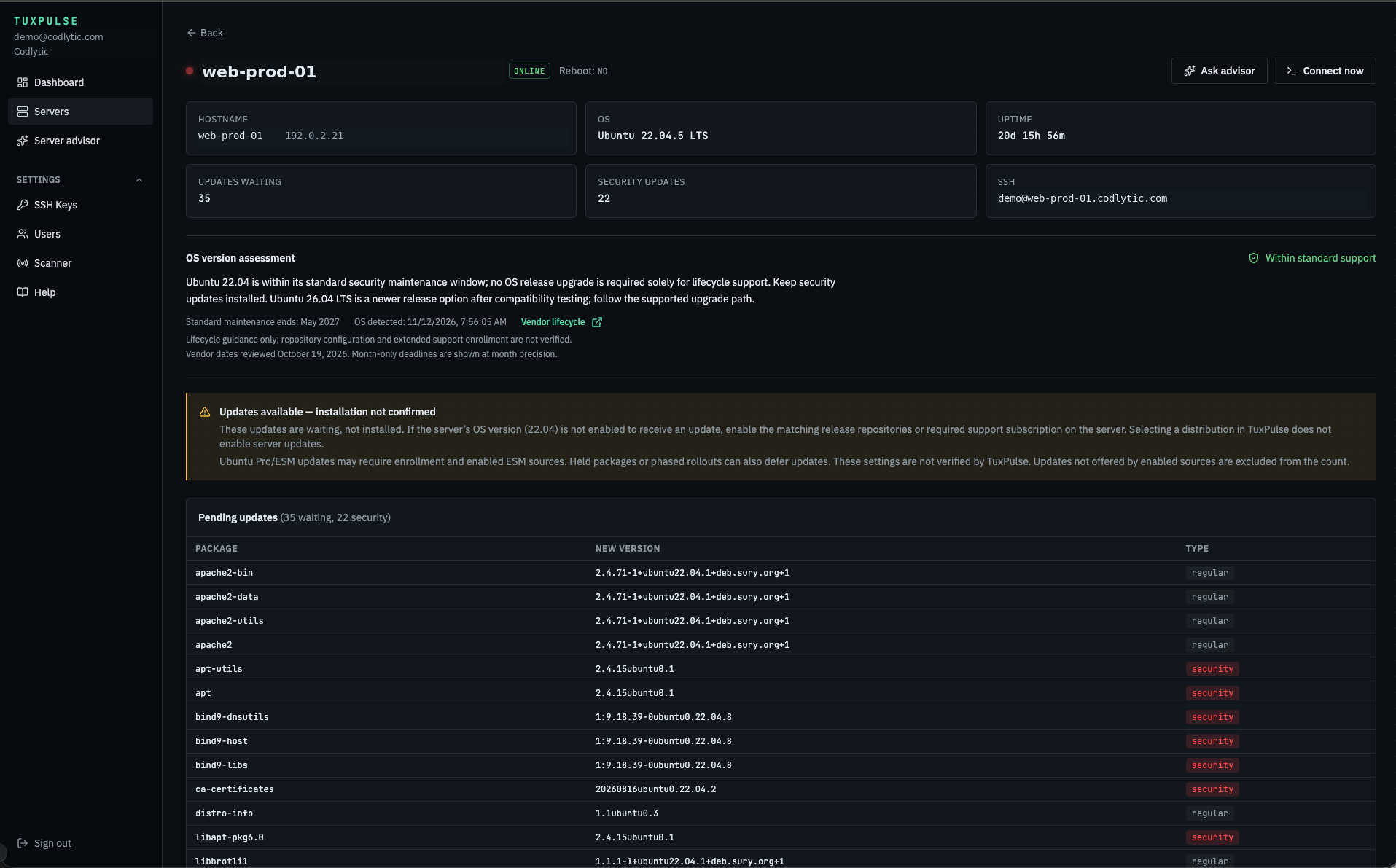
Check fleet health
Start with a summary of monitored hosts and see where to focus.
Track Linux server availability, pending security updates, and reboot requirements in one dashboard.
Explore the dashboard ↓
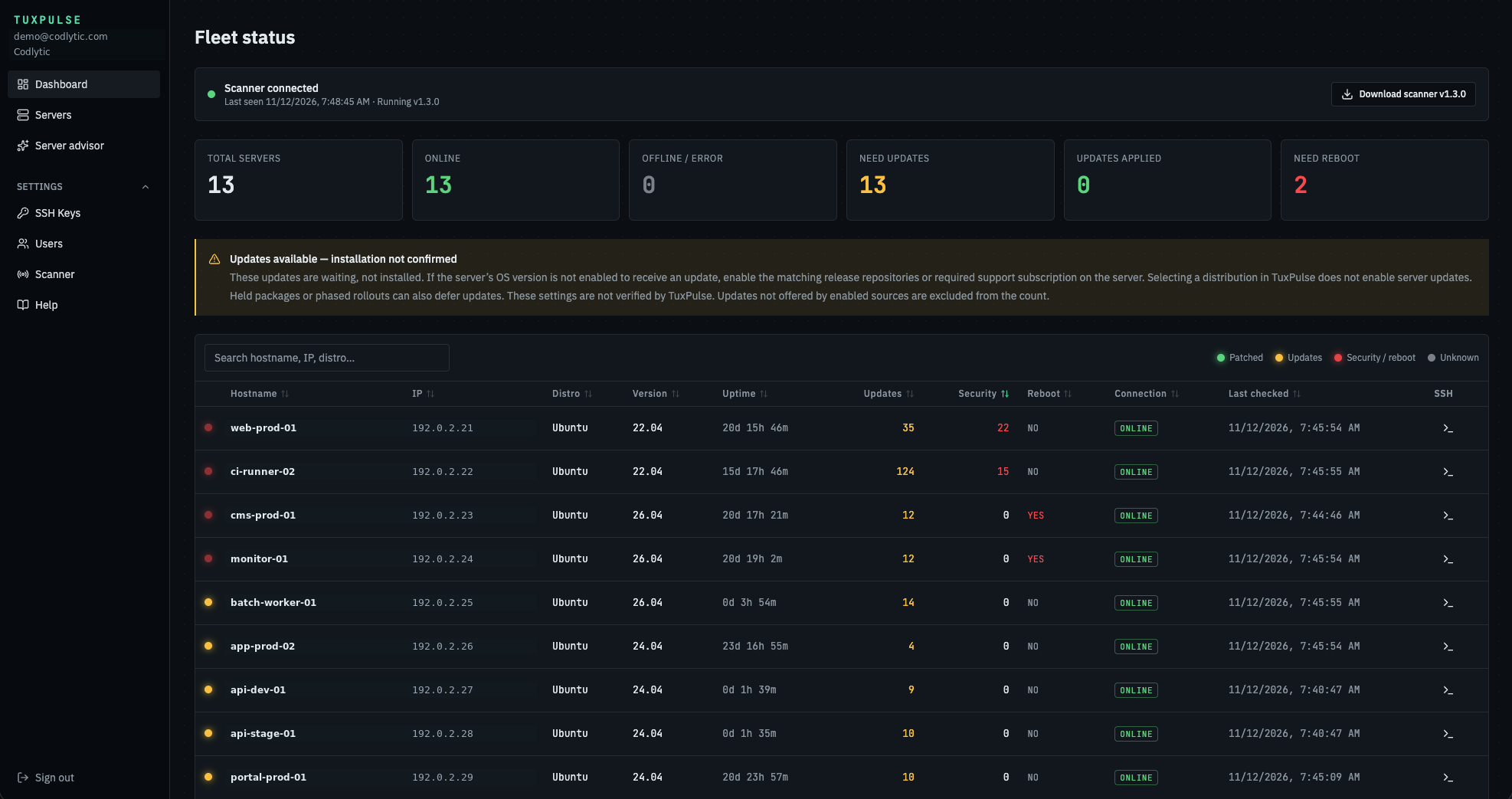
Start with a summary of monitored hosts and see where to focus.
Compare pending updates, security updates, and reboot requirements across servers.
Use the hostname and IP address to identify the system you need to investigate.
Click host on dashboard and see server detail page lists available package updates, identifies security updates, and shows whether the server needs a reboot. Use the Connect now to start your ssh session.
AI Advisor recommends which updates to prioritize and explains how to handle OS updates, including when to apply security patches or plan a release upgrade.